

Mobile app
Log sessions and morning checks, and see who is worth a look today, and why.
Get the app
- Get it onGoogle Play (opens the store in a new tab)
Releasing soonApp Store
On your Android device, download the file and open it. If Android asks, allow your browser to install it.
Screens of the app
What the app does
The screens on this page use made-up people and numbers.
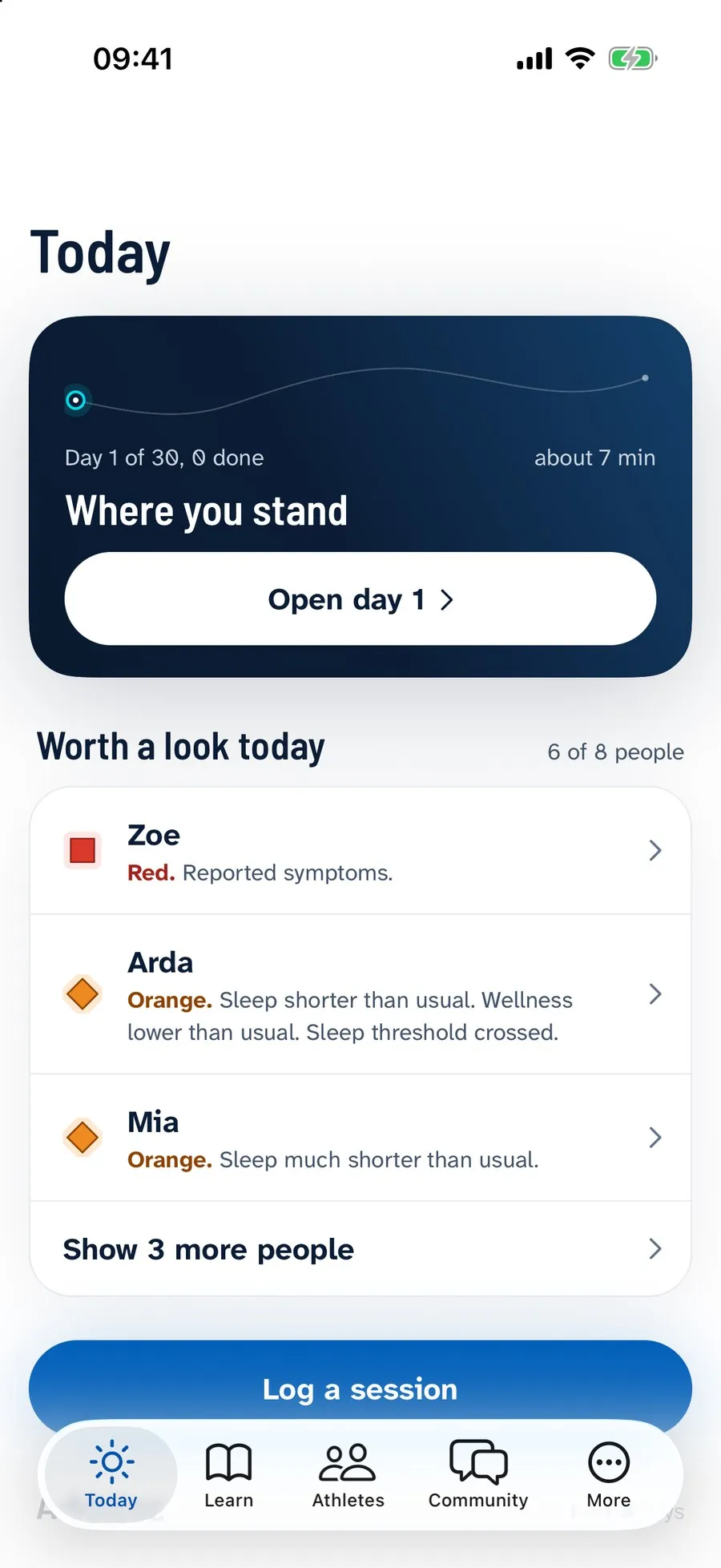
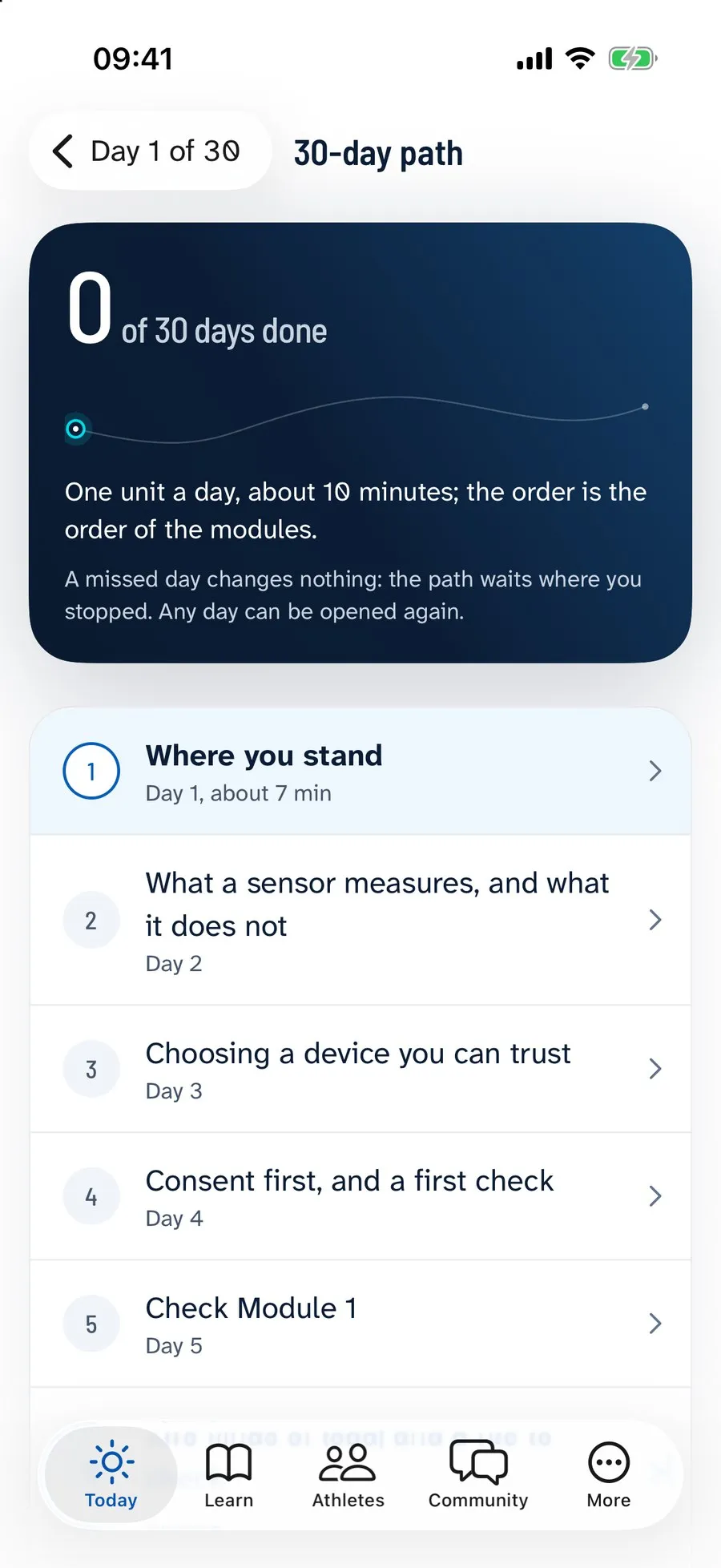
- Today shows who is worth a look and why, beside the day’s unit of a 30-day path through the programme: one unit a day, about 10 minutes.
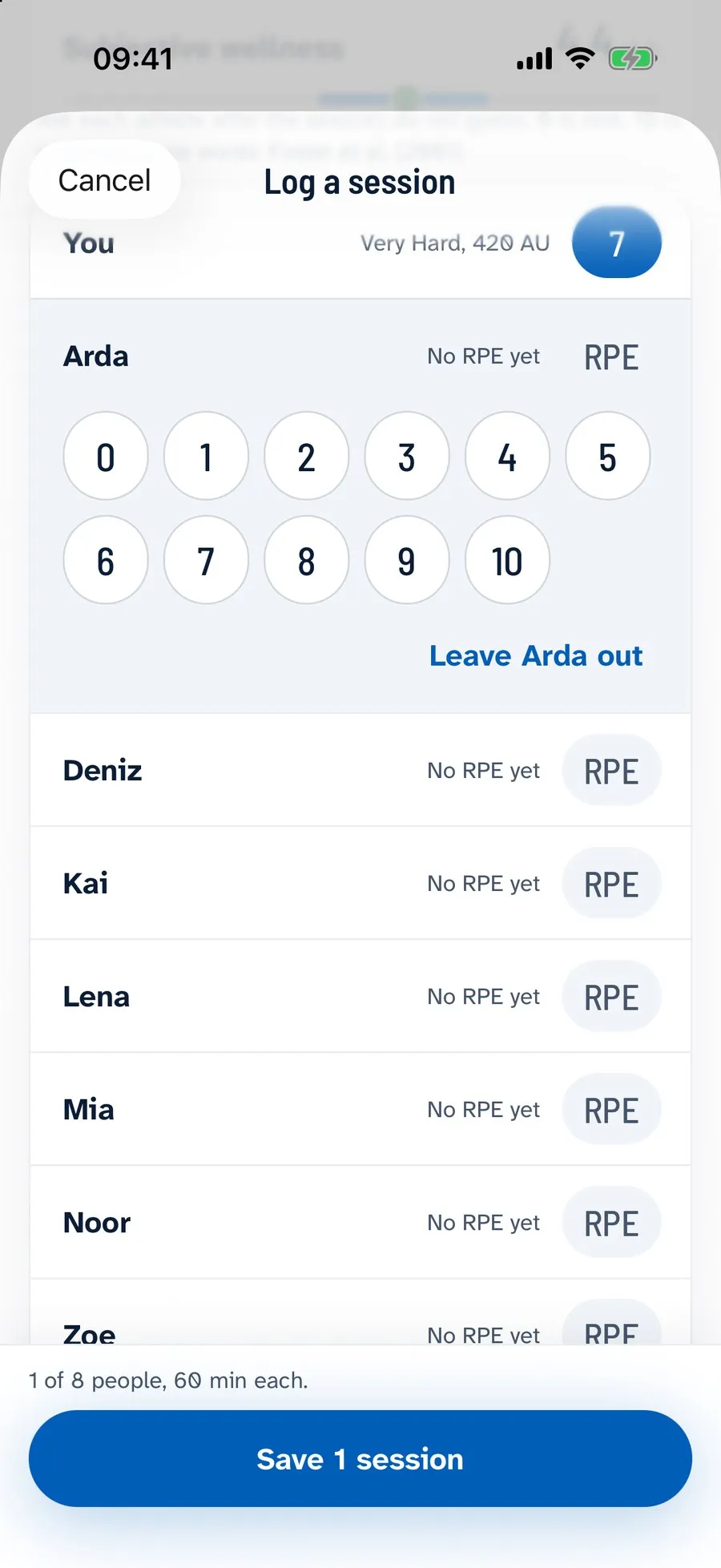
- Log a session takes one training session for everyone who was there. You enter the minutes and each person’s RPE, and the app works out the load in AU.
- The morning check takes sleep, wellness, HRV and any symptoms.
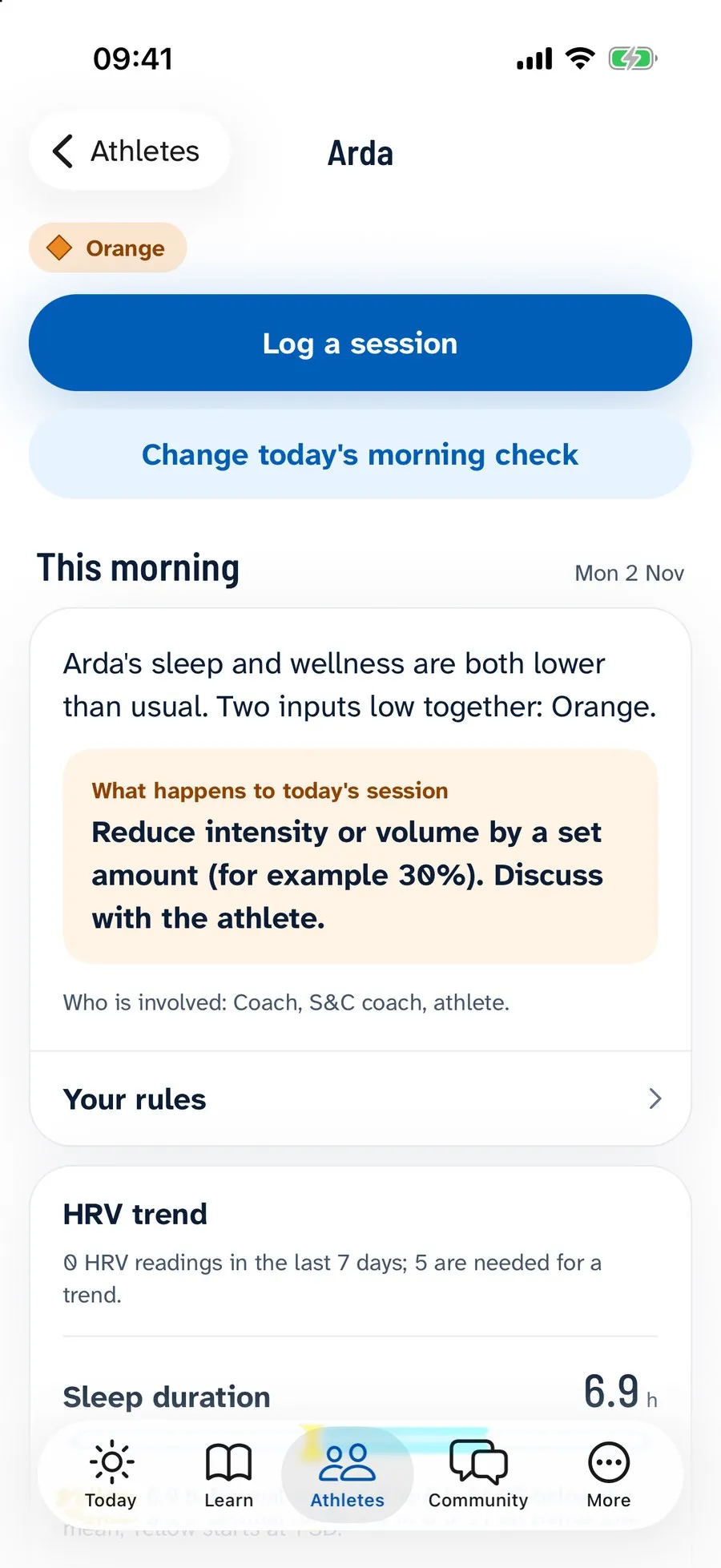
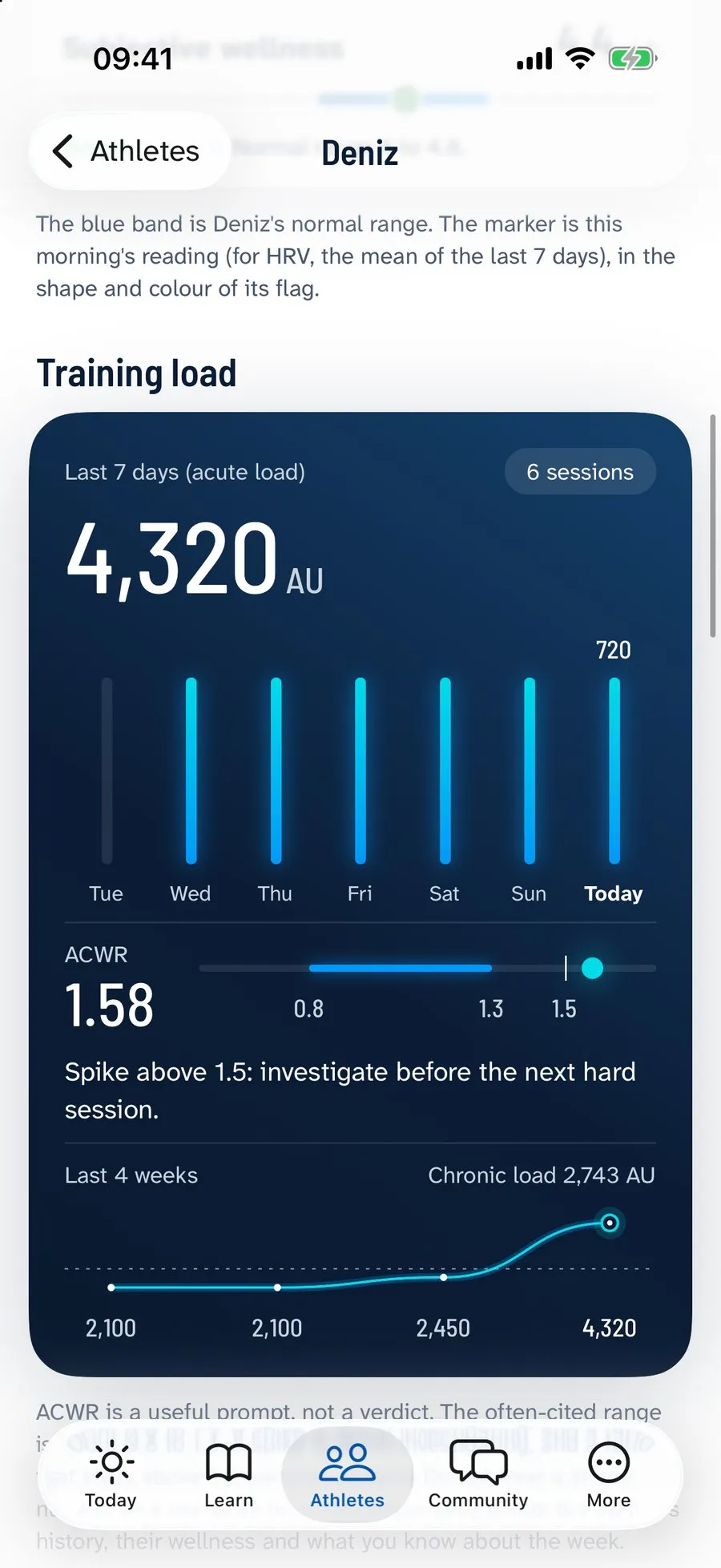
- Athletes lists your squad, each with a flag and the load of the last 7 days. An athlete’s page says what happens to today’s session, what the ACWR means and how the last 4 weeks went.
- Your rules holds the four flags. They start from the programme’s examples, and you change them.
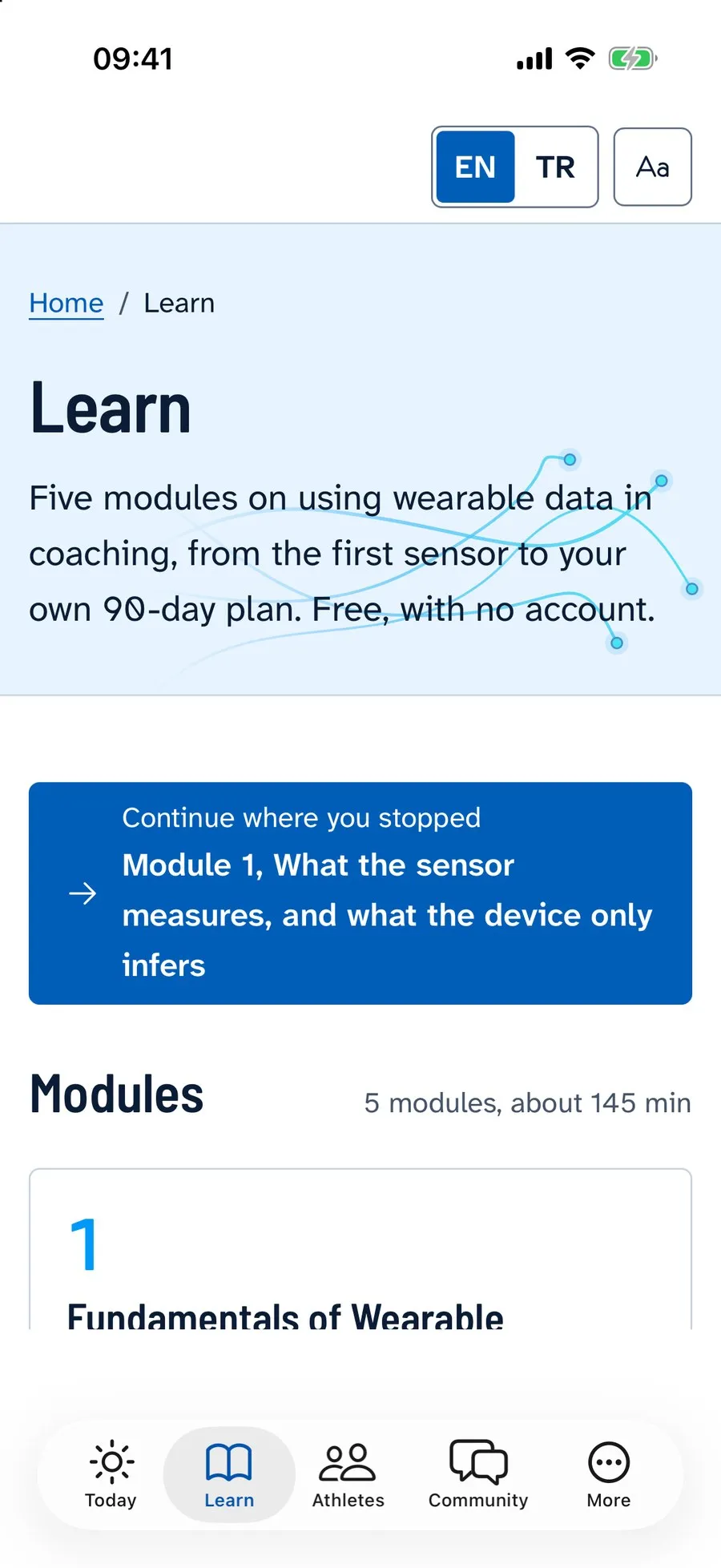
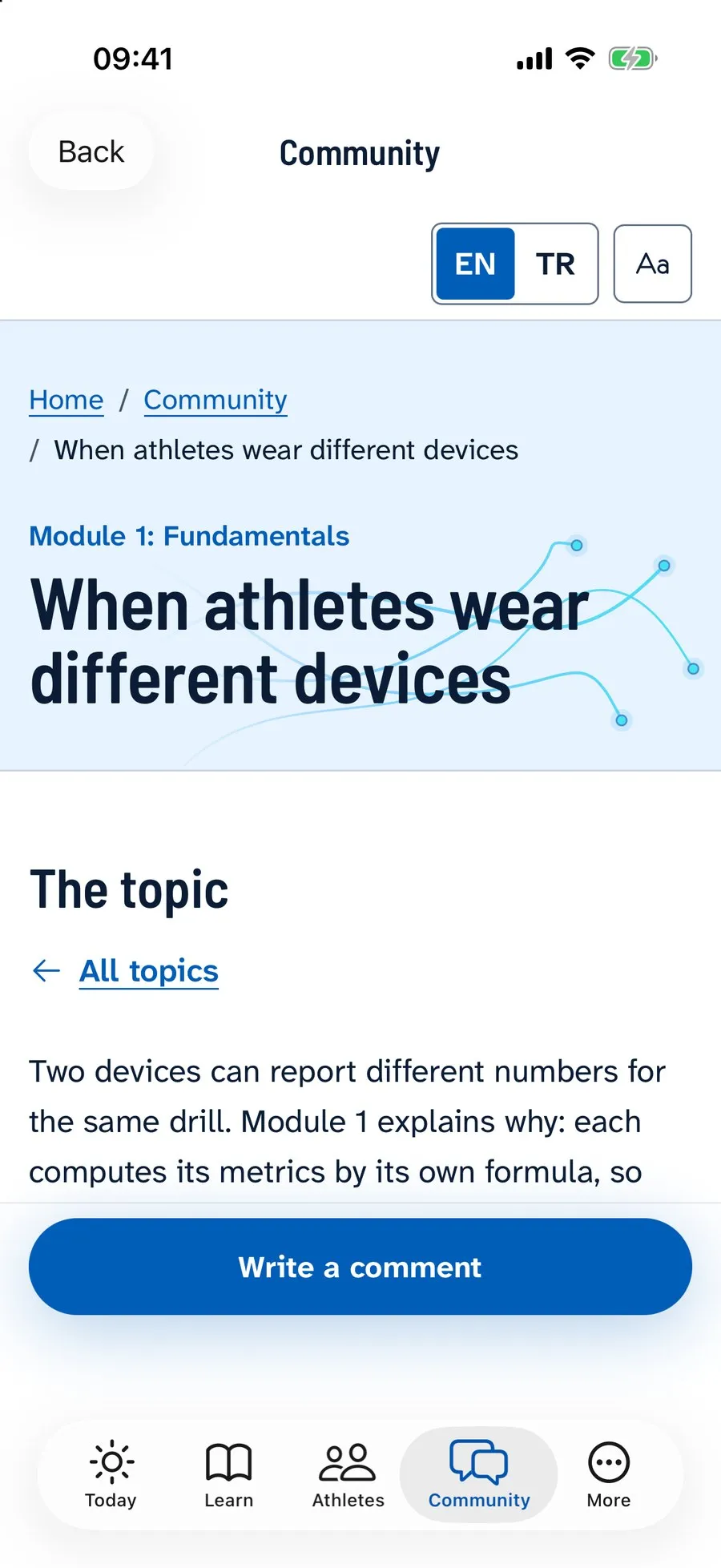
- Learn shows the programme’s pages from this website, inside the app. Community has 19 ready-made topics where coaches write comments from the app.
In version 1.0 you enter everything by hand. It does not read from Apple Health or Health Connect, and it does not import sessions from a watch or sensor file.
What you gain
You do not add up load by hand, and you do not open every name to find who needs attention. Each flag comes with its reason, and the rule behind it is one you can read and change. The programme is a few taps away from the numbers it explains.
WEARCOACH is not a medical device. It does not diagnose or treat any illness or injury. It shows a coach the records the coach keeps, read by rules the coach sets. A flag is a prompt to look and to ask. Decisions belong to the coach and, where health is concerned, to a doctor or a physiotherapist.
Where your data stays
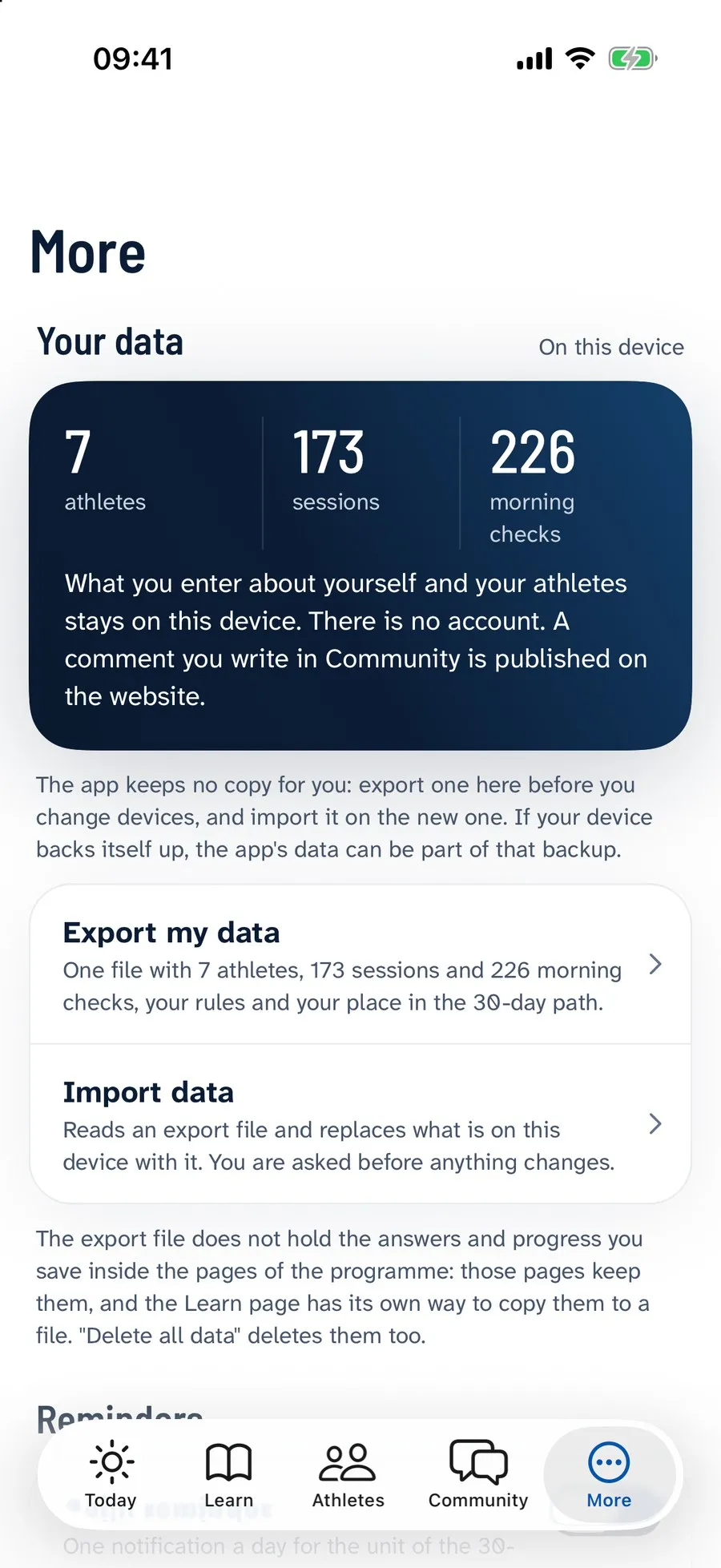
What you enter about yourself and your athletes stays on your device and is kept out of its backups. There is no account, and these records do not go to a server. To move to a new device, export them to a file under More and import that file there. You can delete everything at any time.
A comment you write in Community is different: it is published on this website with the name you give, and a one-way code made from a random ID of your installation is kept with it. Learn, Community and the units of the 30-day path show pages of this website, so they need an internet connection. Your records do not. The whole text is on Privacy in the WEARCOACH app.
Using the app
How to use the app is a short guide to the app.
The app’s screens are in English. The programme’s pages inside it are in English or Turkish, as you choose. Vidisport, a project partner, publishes the app for the WEARCOACH consortium.
You can also follow the programme here on this website, without the app: the modules, the toolkit and the templates.
About the app
- Platforms
- iOS and Android
- Languages
- English
- Version
- 1.0.0